Press Kit
Brand & Submission Kit
Everything you need to write about, list, or integrate Synced. Approved copy, brand assets, technical details, and more — all in one place.
Product Overview
Product Name
Synced (also known as MeetSynced)
Website
https://meetsynced.com
App
https://app.meetsynced.com
Stage
Beta / Early Access
Founded
2025
Company
MeetSynced LLC
Founders
Carlos, Austen Caraker
Contact
carlos@meetsynced.com
Pricing
Free plan (unlimited scheduling, all core features); Enterprise with custom pricing for organizations
Approved Copy
Tagline Options
Synced is an AI-powered scheduling platform built for cross-organizational teams. Unlike Calendly or Cal.com — which are designed for inbound bookings — Synced is proactive scheduling intelligence. Add participants from any organization, see a real-time availability heatmap across Google Calendar and Microsoft Outlook, and confirm meetings in under 30 seconds. Key features: • Cross-company scheduling — Works across organizations, not just internal teams • AI-recommended slots — Claude Haiku analyzes calendars and suggests optimal times • MCP integration — Schedule via Claude Desktop or Claude.ai in natural language • Trusted contacts — Instant availability for contacts already on Synced • Short booking links — meetsynced.com/book/[name] — no account required for recipients • Timezone intelligence — Automatic detection and conversion • Integrations — Slack, Zoom, Google Calendar, Microsoft Outlook, API + SDK Free to start. Custom pricing for organizations.
Categories & Tags
Primary Categories
Secondary Categories
Keywords / Tags
“Alternative to” List
MCP Server Details
Server URL
https://api.meetsynced.com/functions/v1/mcp
Docs
https://meetsynced.com/docs/integrations/ai-mcp/overview
Compatible With
Claude Desktop, Claude.ai
| Tool | Description |
|---|---|
| get_meetings | Retrieve upcoming and past meetings from connected calendars |
| get_contacts | Get trusted contacts and their Synced connection status |
| get_availability | Check real-time availability for one or more participants |
| schedule_meeting | Book a meeting and send calendar invites to all participants |
| get_recommended_slots | Get AI-recommended meeting times based on participant calendars and preferences |
| natural_language_schedule | Schedule meetings using a free-form natural language description |
Claude Desktop Config Snippet
{
  "mcpServers": {
    "synced": {
      "command": "npx",
      "args": ["-y", "@synced/mcp"],
      "env": {
        "SYNCED_API_KEY": "your_api_key_here"
      }
    }
  }
}
Integrations
Google Calendar
Microsoft Outlook
Slack
Zoom
Claude / MCP
Zapier
Brand assets
Everything below is generated from one lockup source, so what you download here is the same artwork the product ships. Keep the proportions, keep clear space around it, and do not recolour the gradient — pick the flat white cut instead when a single colour is needed.
Social profiles
Sized to each platform's current spec. Where a slot can take either treatment, both are here — the light cut reads calmer in a feed, the gradient cut is louder next to competitors. The banners carry the line "Cross-organizational AI calendar scheduler"; it is set once as TAGLINE in scripts/generate-brand-assets.mjs, so changing it is one edit and a re-run.
LinkedIn — profile photo
400 × 400 PNG
Personal profile photo. LinkedIn crops to a circle — the mark is inset to survive it.
Download
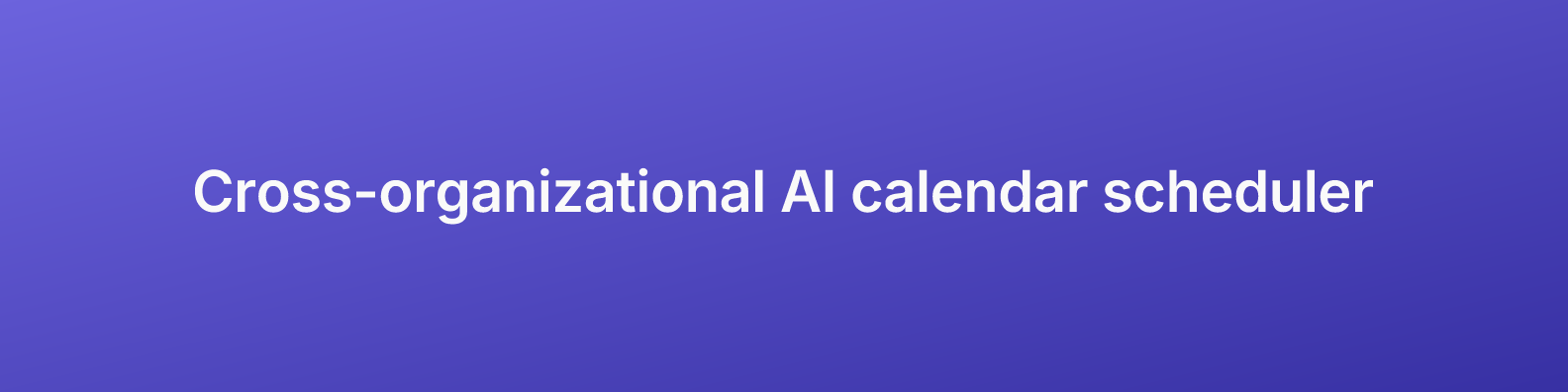
LinkedIn — profile banner
1584 × 396 PNG
Personal profile background. Art is centred so the profile photo, which sits lower-left, never covers it.
Download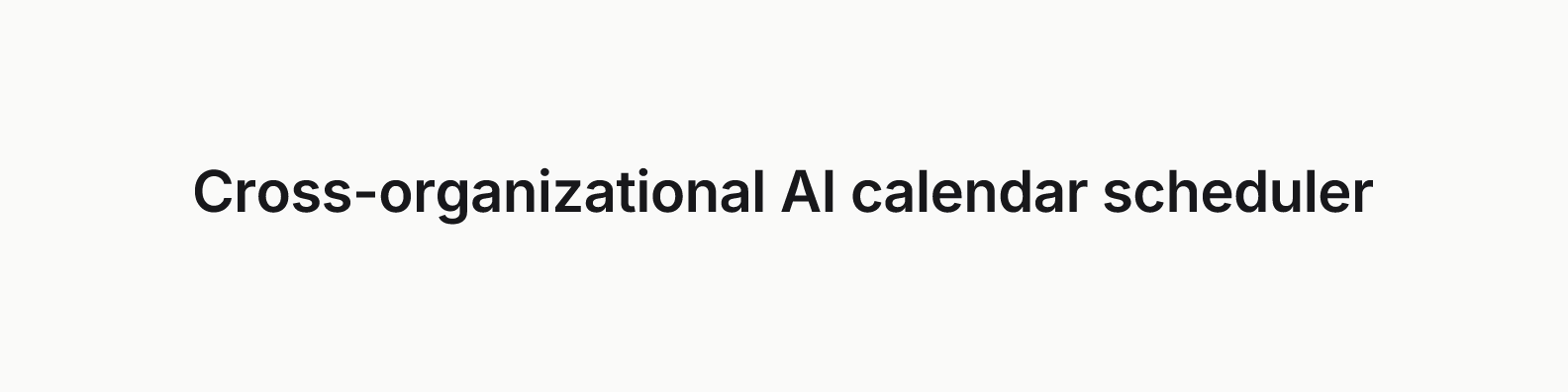
LinkedIn — company logo
300 × 300 PNG
Company page logo. A different slot and a different size from the personal photo.
Download

LinkedIn — company cover
1128 × 191 PNG
Company page cover. Wordmark-free on purpose — LinkedIn draws the page logo on top of the cover, so a lockup here would be the same asset twice.
Download

YouTube — channel art
2560 × 1440 PNG
Art sits inside the 1546 × 423 centre that every device renders.
DownloadLogo
Prefer the SVG wherever it is accepted. The gap between the two tiles is genuinely transparent in every cut, so the lockup sits on any background without a halo.



Lockup — SVG, flat white
Vector, single colour
One-colour cut for busy photography or the brand gradient itself, where a gradient tile would disappear.
Download






App & marketplace icons
Solid grounds, never transparent — every one of these slots composites onto a surface we do not control.


Link previews
meetsynced.com renders its own Open Graph image per page at /opengraph-image. This static file is for submission forms and directories that will not follow a dynamic route.
Not made yet
Product screenshots, which have to be captured rather than generated. Listed so the gap is visible rather than discovered halfway through a submission form.